Add Badges as Evidence
Last updated: July 30, 2026
Summary
Learners can import Badges they have received previously as Evidence in their Portfolio. These can be validated and serve as verified evidence of achievements.
How to import Badges as Evidence?
As a learner, you can import and validate previously received Badges as Evidence within Portflow. You can import a Badge on any page where you can add Evidence, such as the Collection page, the Goal Card or the 'My Evidence' page.
Supported badging platforms
Portflow support importing and validating badges from the following badging platforms:
Accredible
Brightspace Badges
Canvas Credentials
Credly
EduBadges (SURF)
Milestone (Anthology)
Parchment (Digitary core)
Apart from these platforms, Portflow is capable to support any badging platform that supports the Open Badges 2.0 or 3.0 standard (see 1EdTech). Missing a platform? Contact your Portflow CSM to request addition.
Instructions for Brightspace Badges (Awards)
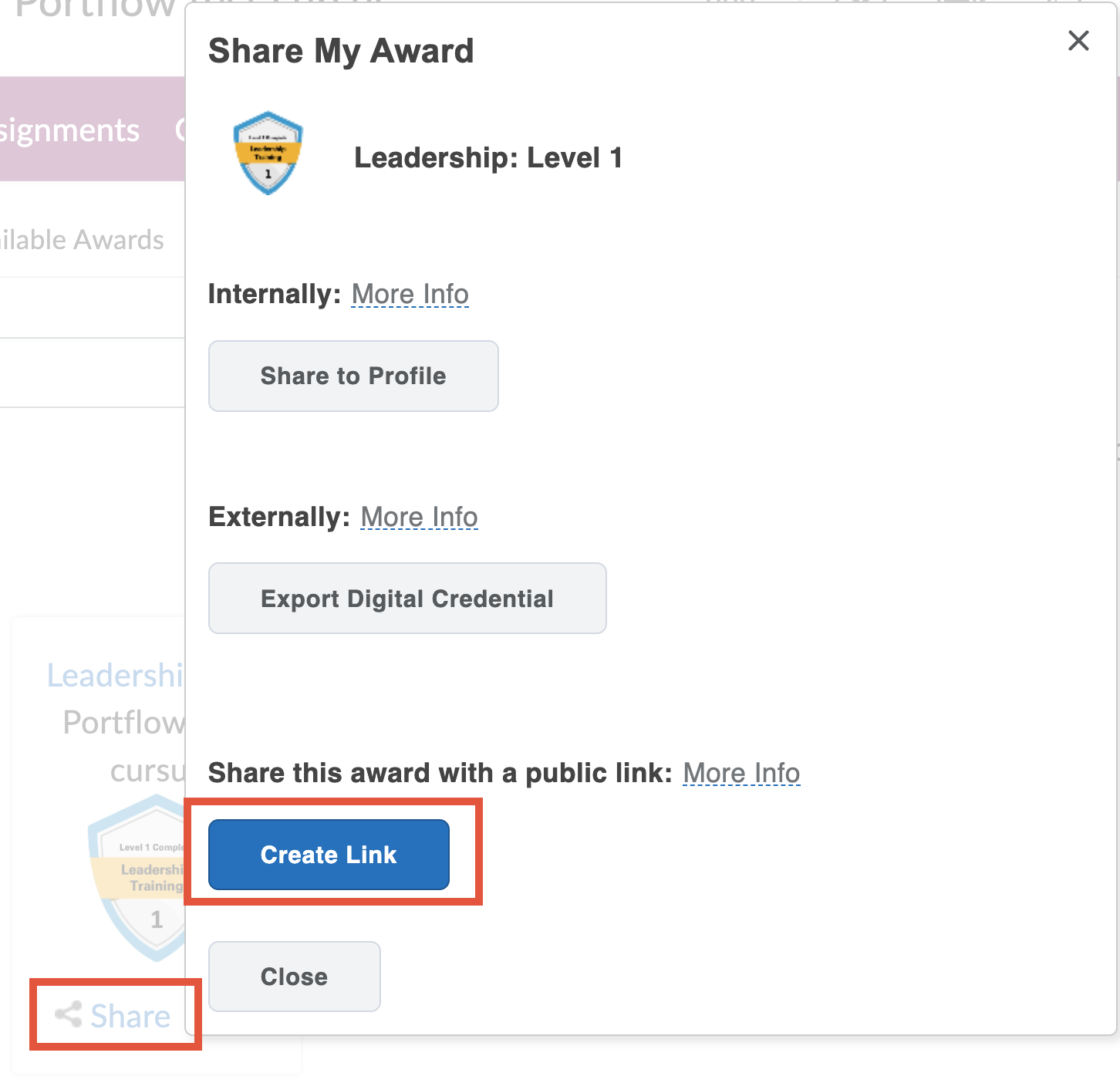
For Brightspace badges, you would first need to create a public award link in order to be able to import the Badge into your portfolio. To create a public link, go to your Badge (Award) click Share and then Create link. After the link is generated, you can Export your badge. Enter your email address to verify the ownership.
Download or Export the Badge file from the badging platform where you have received your Badge.
Click + Add evidence or the button with a plus and a cube icon (+☐).
Select Badge.
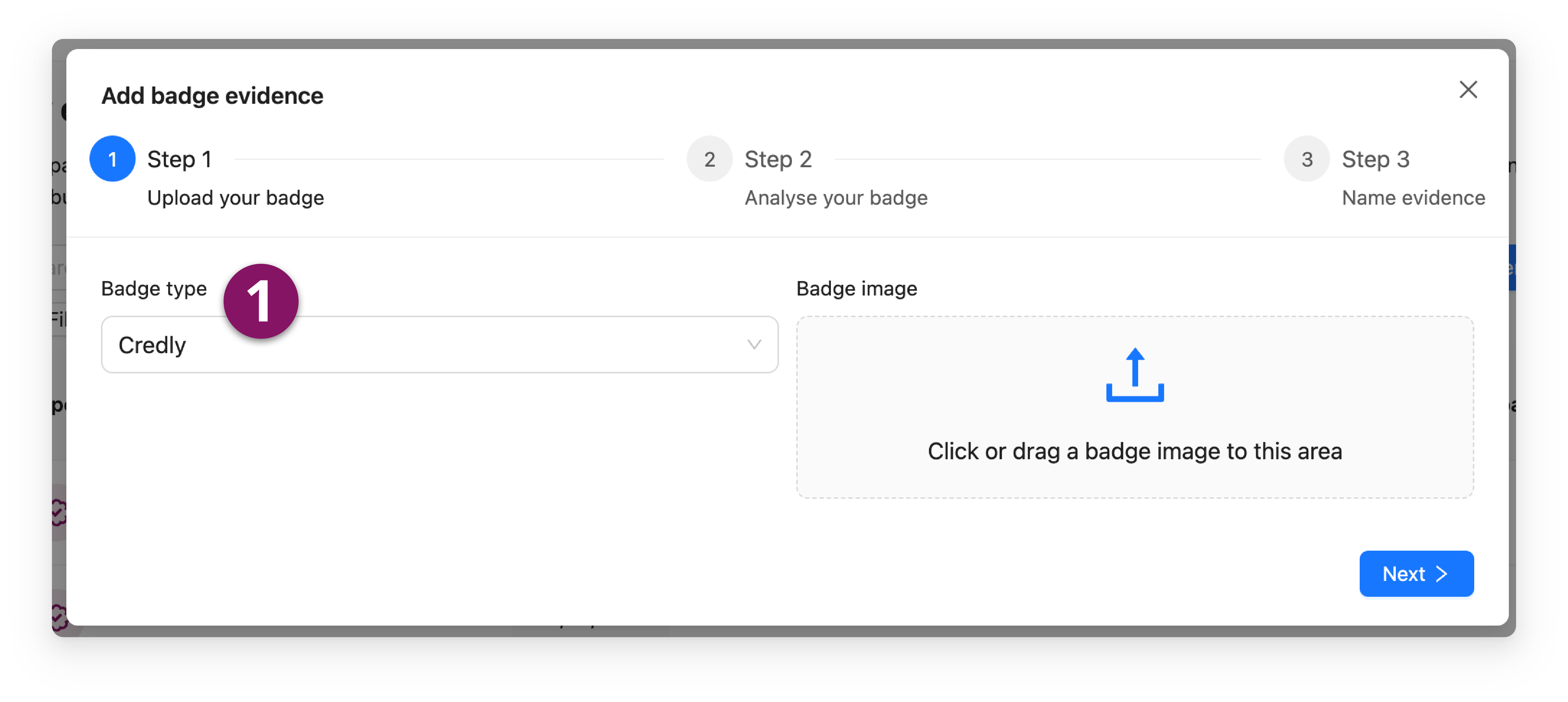
Select a Badge type (issuing platform) (1).
Upload the Badge or paste the Badge URL (depending on the issuer).
Provide details for validation.
Add a name for the Badge.
Click Add.
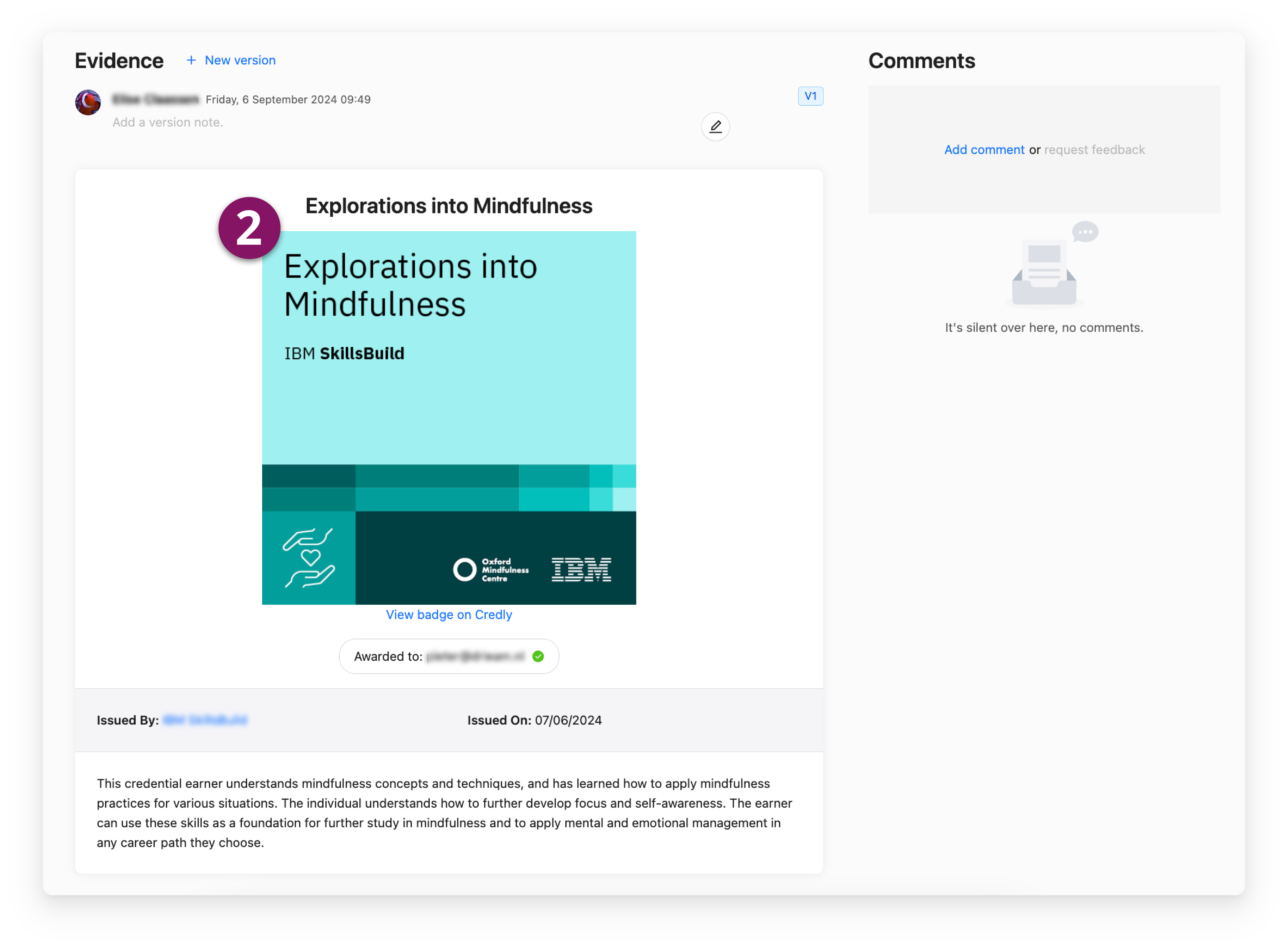
The badge is now added as Evidence (2).
Note: It is possible to use Versions with Badge Evidence. This can be helpful, especially if the Badges belong to a series, such as a Badge for 'Beginner research', a Badge for 'Intermediate research' and a badge for 'Advanced research'. See 📄 Evidence Versions.
How to use the Badge Backpack?
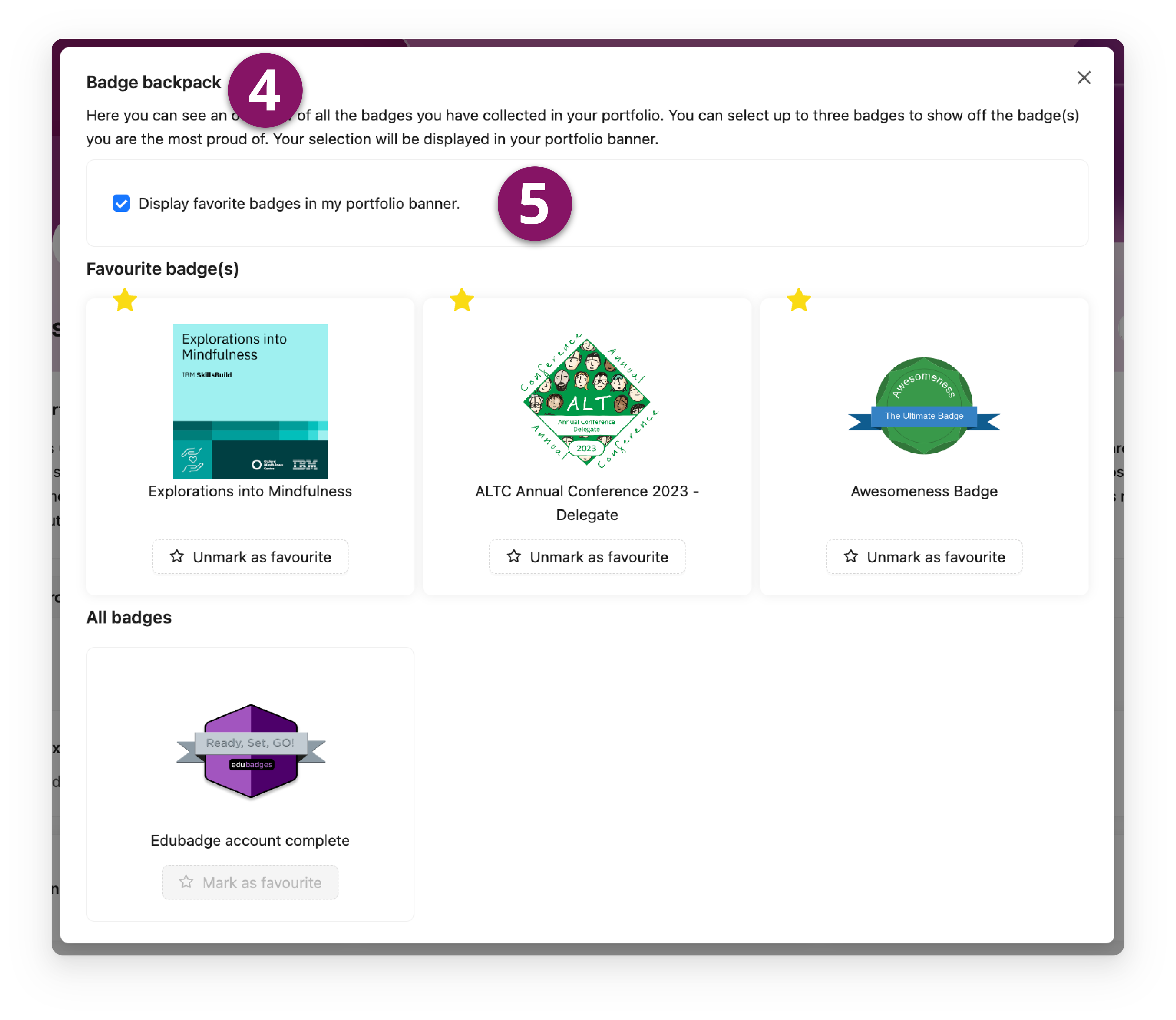
Both learners and invitees can access the 'Badge Backpack' from the Portflow banner (3) for a quick overview of all collected Badges.
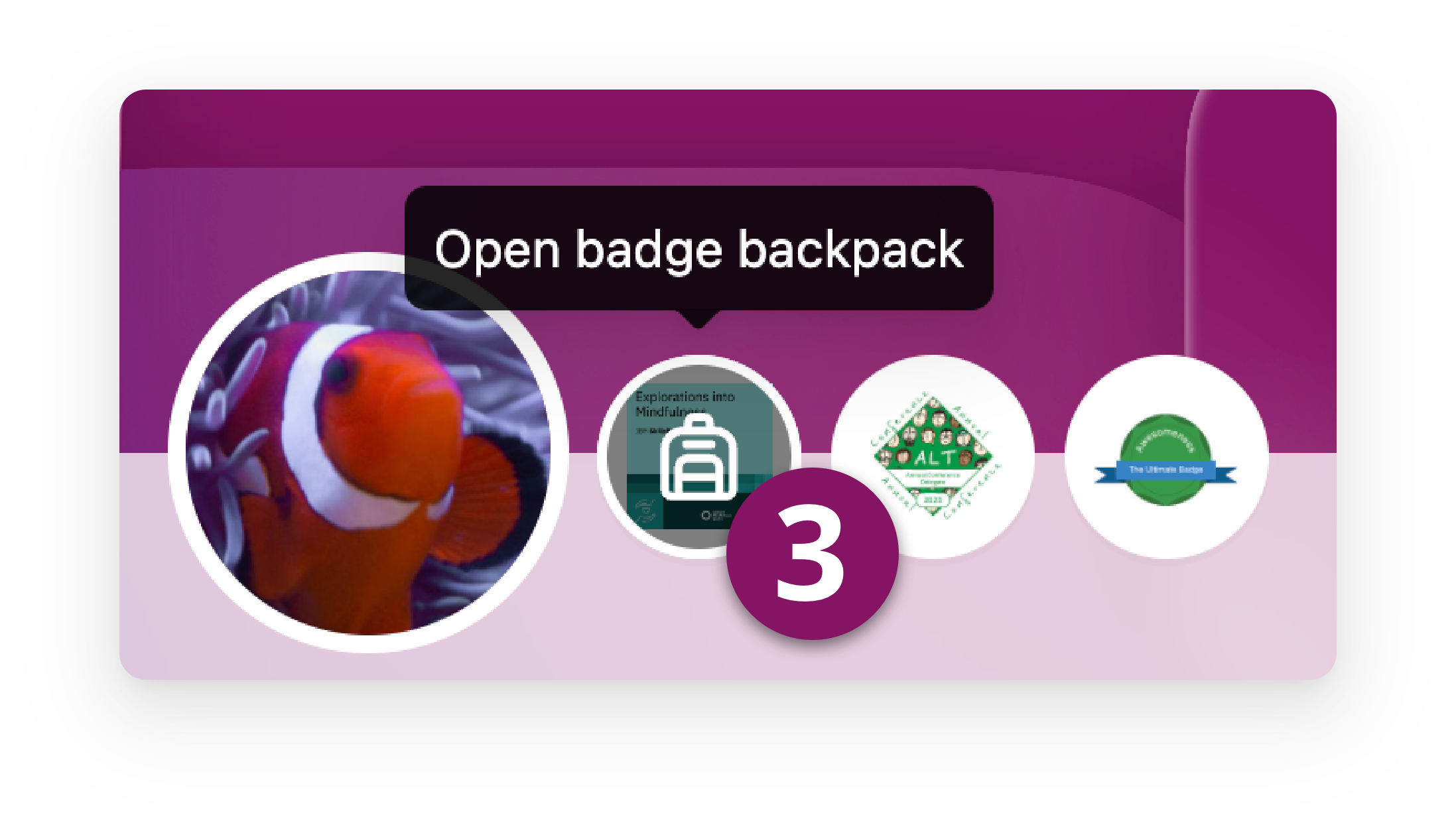
All Badge Evidence, including different Versions, will be displayed in your backpack (4). As a learner, you have the option to mark to three Badges as 'Favourites' by pinning them with a Star. These Favourites can be displayed on your personal Portfolio banner, if you wish (5), highlighting the Badges you are most proud of.